
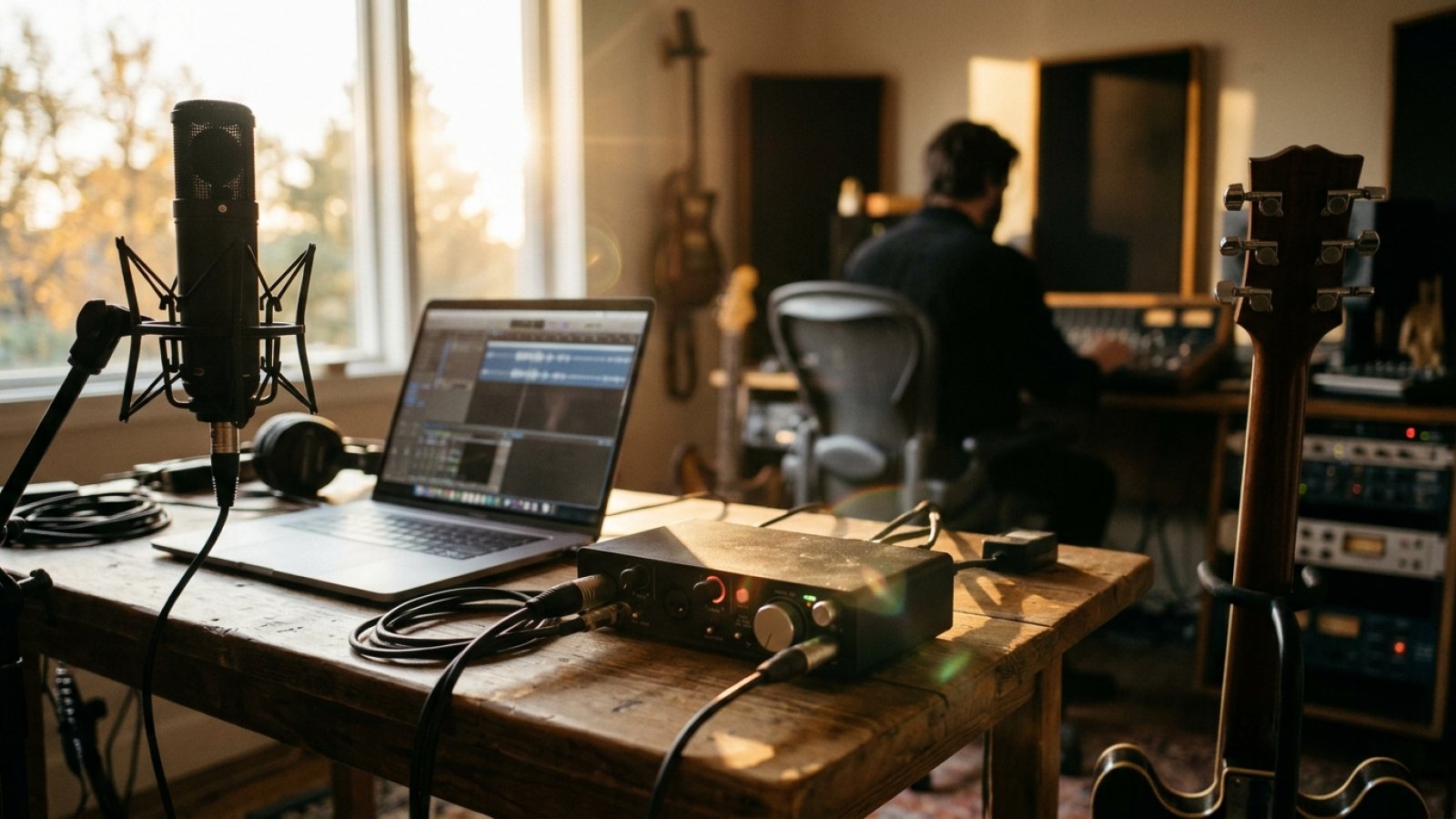
Audio Interfaces Explained: Latency, Preamps, and What You Really Need
For independent musicians, an audio interface is more than just a connection; it's the bridge between your raw creativity and professional-sounding tracks. Understanding its core components like latency and preamps is crucial for making smart gear choices and elevating your home studio productions.
If you're an independent artist serious about recording your music, writing songs, or even just getting clear audio for live streams, an audio interface isn't optional—it's foundational. Forget relying on your computer's built-in sound card; that's like trying to win a drag race with a golf cart. An interface is what translates your analog signals (like a microphone or guitar) into digital data your computer understands, and vice-versa, with clarity and control.
But with so many models, specs, and confusing terms like 'latency' and 'preamps' floating around, it's easy to feel overwhelmed. Let's break down what these terms mean and, more importantly, what an independent musician actually needs to invest in.
The Core Function: Why You Can't Skip It
At its heart, an audio interface is an external sound card, but with professional-grade components. It converts the electrical impulses from your microphone or instrument into a digital signal your Digital Audio Workstation (DAW) can record. When you play back your recorded tracks, it does the reverse, converting digital audio back to analog for your headphones or studio monitors. This dedicated hardware handles the heavy lifting, bypassing your computer's often noisy and low-quality internal converters, giving you a cleaner signal, more reliable performance, and access to essential features like phantom power for condenser microphones.
Latency: The Enemy of a Good Take
Latency is simply the delay between an audio signal entering your system and it coming out. Think about singing into a mic and hearing your voice in your headphones a fraction of a second later—that's latency. While a few milliseconds might seem negligible, it can be incredibly distracting and make it impossible to perform in time, especially for vocalists or instrumentalists who need to monitor themselves in real-time.
Your audio interface minimizes this delay by using specialized drivers (like ASIO on Windows or Core Audio on Mac) that communicate directly with your computer's hardware. Most modern interfaces achieve impressively low latency, often to a point where it's imperceptible. When you're setting up your DAW, you'll encounter a 'buffer size' setting. A smaller buffer size reduces latency but demands more from your computer's processor, potentially leading to crackles or dropouts if your machine isn't powerful enough. A larger buffer size increases latency but gives your computer more processing headroom. It's a balance you'll learn to strike, typically starting with a small buffer size for recording and increasing it for mixing when latency isn't a concern.
Preamps: The Foundation of Your Sound
Microphones, especially dynamic and condenser mics, produce a very weak electrical signal. Before this signal can be converted to digital, it needs to be boosted to a usable 'line level.' That's the job of a microphone preamp. The quality of your preamp is paramount because it's one of the first things your sound touches in the signal chain. A good preamp provides clean, transparent gain without introducing unwanted noise or distortion, preserving the true character of your microphone and the source sound.
Most audio interfaces come with built-in preamps for each microphone input. Look for interfaces that boast high-quality, low-noise preamps. For condenser microphones, you'll also need 'phantom power' (+48V), which your interface's preamps will supply. This is a non-negotiable feature if you plan on using most studio condenser mics.
What You Really Need: Practical Choices for the Indie Artist
You don't need to break the bank for professional-grade results. Here’s what to prioritize:
Input/Output (I/O) Count: This is probably your most critical decision. If you're a solo singer-songwriter recording one vocal and one guitar at a time, a 2-in/2-out interface (like the Focusrite Scarlett 2i2 or PreSonus AudioBox USB 96) is perfect. If you need to record a small band with multiple mics on drums, you’ll need more inputs (e.g., 8 or more). Don't overbuy; you can always upgrade later or add a second interface if your needs expand. Most indie artists start with 1-4 inputs.
Connectivity: Most modern interfaces connect via USB-C, ensuring fast and reliable data transfer. Some higher-end options use Thunderbolt, offering even lower latency and higher bandwidth, but USB-C is excellent for most home studio setups.
Monitoring: Ensure your interface has at least one, preferably two, headphone outputs with independent volume control, and balanced outputs for connecting to studio monitor speakers. Balanced outputs reduce noise over longer cable runs.
Included Software & Bundles: Many interfaces come bundled with 'Lite' versions of popular DAWs (like Ableton Live Lite, Pro Tools First, or Cubase AI) and various plugins. These can be fantastic starting points and save you money if you haven't committed to a full DAW yet.
Brand Reputation: Stick with reputable brands known for quality drivers and preamps. Focusrite, Universal Audio (Apollo Solo/Twin), PreSonus, Behringer (UMC series), and Audient (EVO series) all offer excellent options at various price points. Read reviews, but remember that for most indie artists, a solid entry-level interface from a respected brand will deliver results indistinguishable from far more expensive gear in a final mix.
An audio interface isn't just another piece of gear; it's your portal to capturing professional-sounding tracks without needing a major label budget. By understanding latency, appreciating good preamps, and choosing the right I/O for your current needs, you'll lay a solid foundation for your home studio and empower your independent music career.
