
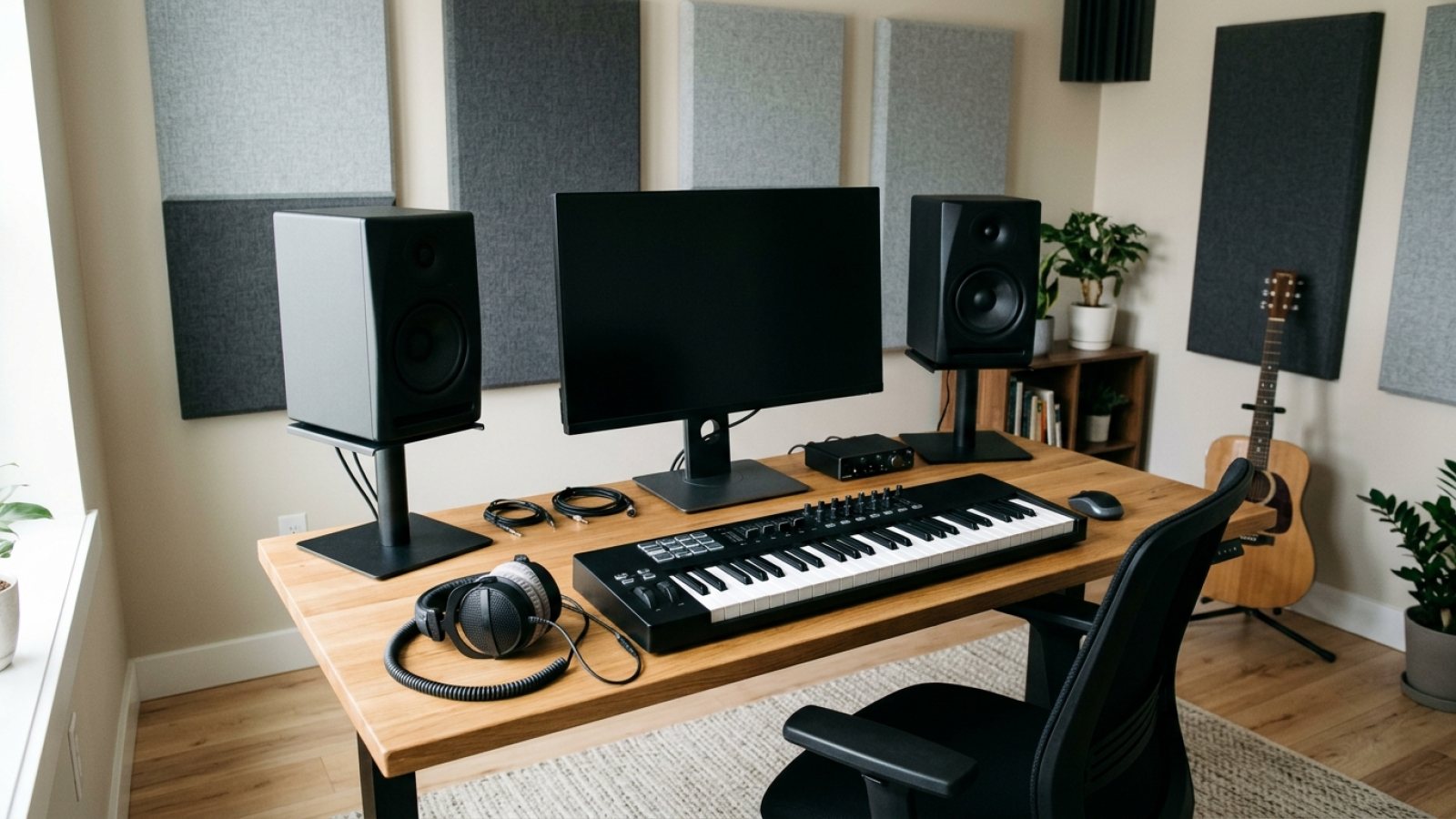
Monitors vs. Headphones for Mixing: Making Decisions You Can Trust
Getting a mix to translate across different playback systems is the ultimate goal for any independent artist. The tools you use to achieve that – studio monitors or headphones – profoundly impact your final sound. Let's break down how to leverage both effectively.
You’ve poured your heart into writing and recording, but when you play your mix in the car, suddenly the bass is gone, or the vocals sound harsh. This common frustration often boils down to how you’re monitoring your sound. For independent artists, the choice between studio monitors and headphones for mixing isn't about one being inherently 'better,' but understanding how and when to use each for results that translate into the real world.
The Case for Studio Monitors (and Why Your Room Matters More)
Studio monitors, specifically near-field models, are designed to give you an uncolored, flat frequency response. They are built for critical listening, revealing flaws and imbalances that consumer speakers might mask. The biggest advantage of monitors is their ability to reproduce a realistic stereo image and allow you to physically feel the low-end vibrations in a way headphones simply can't.
However, the accuracy of your monitors is only as good as the room they’re in. This is where most home studio mixes fall apart. An untreated room, with bare walls and corners, will introduce reflections, standing waves, and bass build-up that heavily color what you hear. You could have the most expensive monitors, but if your room isn't addressed, you're mixing blindfolded. The Artist Developer, our seasoned mentor, often says, “Your room is your biggest speaker. If it’s lying to you, every mix decision you make will be a lie.”
What to do:
- Acoustic Treatment: Start with basic acoustic panels at your first reflection points (the spots on your side walls, ceiling, and rear wall where sound bounces directly from your monitors to your ears). Add bass traps in corners to control low-end build-up. Even DIY solutions with rockwool or thick blankets can make a noticeable difference.
- Placement: Position your monitors and listening position to form an equilateral triangle. Your ears should be equidistant from each speaker and from each other. Place them away from walls to reduce reflections.
- Volume: Mix at moderate volumes. Mixing too loud causes ear fatigue and can trick your ears into thinking the mix sounds better than it is.
The Headphone Advantage (and its Hidden Traps)
Headphones, particularly open-back reference models, offer an incredibly detailed and consistent listening environment. They eliminate room acoustics entirely, making them indispensable for artists working in untreated spaces, on the road, or for late-night sessions. They reveal minute details – clicks, pops, reverb tails – that might be missed on monitors, especially in a noisy environment.
The trap with headphones, though, is their artificial stereo separation. The left ear only hears the left channel, and the right ear only hears the right. This isn’t how we naturally hear sound in a room, where both ears receive a blend of information from both speakers. This can lead to mixes that sound fantastic on headphones but fall apart, often sounding narrow or overly wide, when played back on speakers. Headphone listening also causes ear fatigue faster than monitors due to sound being delivered directly to your eardrum.
What to do:
- Open-Back for Mixing: If you're using headphones for critical mixing, invest in open-back models. They offer a more natural, spacious soundstage than closed-back tracking headphones.
- Take Breaks: Give your ears a rest every 30-45 minutes to prevent fatigue and maintain perspective.
- Crossfeed Plugins: Consider using a crossfeed plugin in your DAW (digital audio workstation) which subtly blends a small amount of the left channel into the right, and vice-versa, to simulate a more natural speaker-like experience.
The Hybrid Approach: Mixing for Real-World Translation
The most reliable way to create mixes that sound good everywhere is to use both monitors and headphones in a complementary workflow. No single tool gives you the whole picture; each offers a unique perspective.
Here’s a practical workflow to try this week:
- Start on Monitors: Do the bulk of your level setting, panning, and EQ decisions on your monitors in your best acoustical environment. Focus on getting the overall balance and feel right.
- Switch to Headphones: Use headphones to zero in on details. Listen for subtle reverbs, delays, noise, and individual instrument textures. Confirm vocal clarity and catch any stray artifacts. Adjust effects and track automation that might be masked on speakers.
- A/B with Reference Tracks: Constantly compare your mix to professionally mixed and mastered tracks in a similar genre. Listen on both monitors and headphones. This is perhaps the most crucial step for training your ears and understanding how your mix stacks up.
- Check on Consumer Systems: Before you consider your mix "done," check it on a variety of real-world playback systems: your car stereo, a cheap Bluetooth speaker, your phone speaker, and even a friend's earbuds. Make notes of where it sounds good and where it doesn't, then go back to your monitors/headphones to make small, targeted adjustments. This crucial step helps you understand how your mix translates to the environments your fans will be listening in.
As The Artist Developer constantly reminds us, “Your job isn't to make your track sound good in your perfect studio. It's to make it sound good on a crummy phone speaker and a big club system – and everything in between. Use every tool at your disposal.” There's no magic bullet, but a smart, diversified approach to monitoring will dramatically improve your mix translation and help your music connect with listeners wherever they are.
